


Two useful Android apps for gaming and better file management
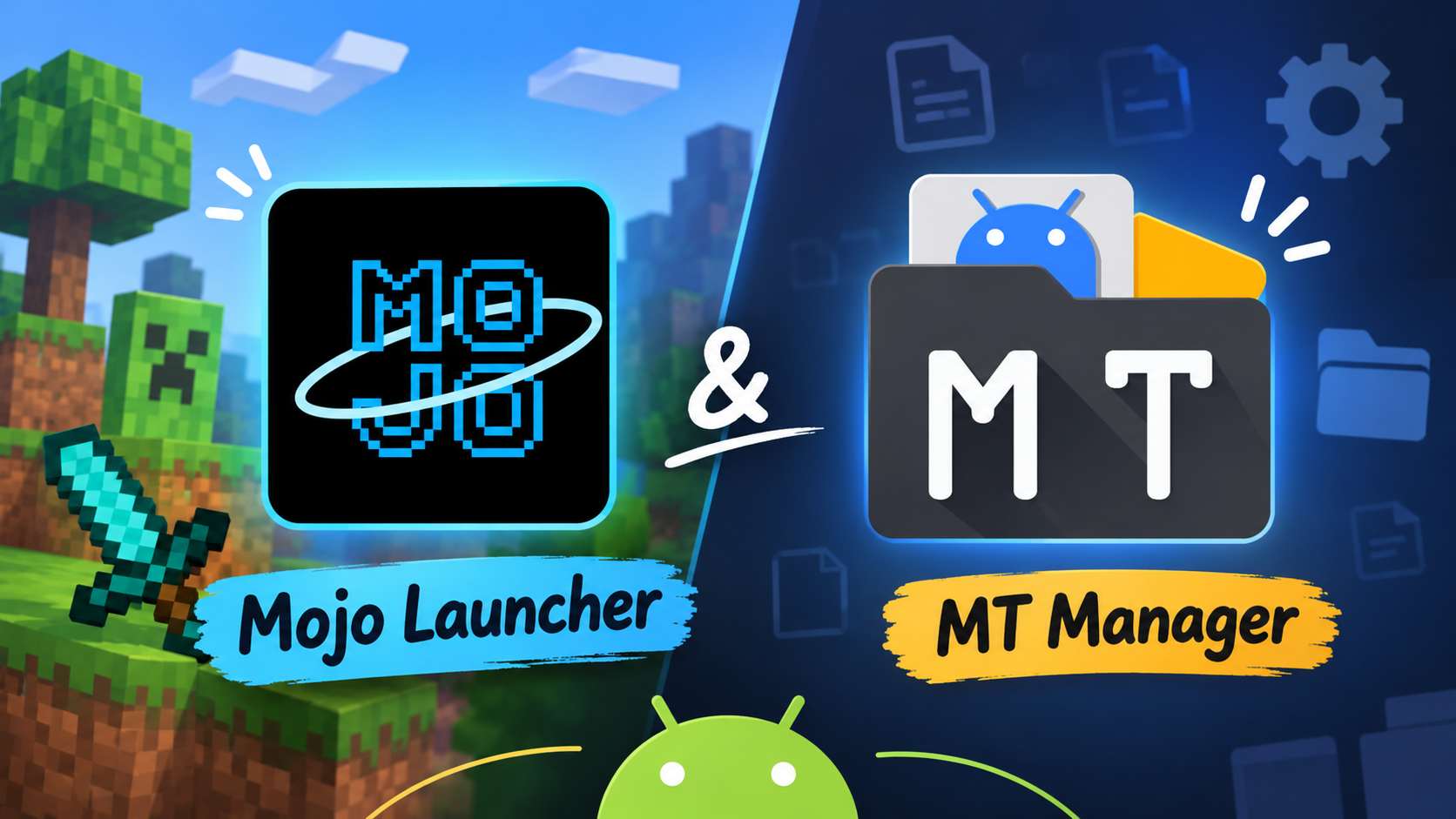
Finding Android apps that actually make everyday phone use more interesting is always nice. Some apps bring new ways to enjoy your favourite games, while others give you useful tools to manage things that are usually difficult to handle on a phone. Here are two Android apps that help you further.
Mojo Launcher APK
App name: Mojo Launcher
Publisher: Artdeell
Category: Tools
Required Android Version: Android 5 and Up
Overview
Have you ever wanted to play the PC version of Minecraft without sitting in front of a computer? That’s exactly what makes Mojo Launcher APK interesting. It is an Android launcher that allows users to run Minecraft: Java Edition on compatible smartphones and tablets. Also, its interface and setup process are very easy. It is not a separate Minecraft game, so users need their own legitimate Java Edition account to access the game.
Features
-
Users can adjust on-screen controls to make playing on a touchscreen more comfortable.
-
Different rendering options help users find settings that work better with their device’s hardware.
-
It is open source, which allows you to inspect, modify, and build the app from source.
-
There are no intrusive ads or pop-ups that appear during setup in Mojo Launcher APK.
-
Compatible Modrinth and CurseForge modpacks can be imported directly.
MT Manager APK
App name: MT Manager
Publisher: Lin Jin Bin
Category: Tools
Required Android Version: Android 5 and Up
Overview
Moving from gaming to file management, MT Manager APK Download is an Android utility that offers much more than a basic file-browsing experience. It is designed for users who want to organize their storage and work with different types of files directly from their phones. The app provides tools for copying, moving, renaming, deleting, and searching files. This makes MT Manager particularly useful for people interested in Android application structure and customization.
Features
-
Browse folders, move documents, rename files, and keep phone storage organized.
-
Open APK packages and examine or modify supported application formats.
-
Create, extract, and explore compressed files without any extra setup or application.
-
View two file locations together, making file transfers and organization more convenient.
-
Find particular files without manually checking every folder.
How to Download?
Follow these steps:
1. First, open any browser on your Android device.
2. Visit happymodprime.com.
3. Search “Mojo Launcher” or “MT Manager” in the search bar.
4. Click on the article, read it, and scroll down.
5. Click on the download button and wait till the download is complete.
Final Thoughts
Mojo Launcher and MT Manager show two different sides of what Android applications can offer. Mojo Launcher is worth exploring for Minecraft fans who want to try Java Edition on their Android devices and experiment with supported mods and different game versions. Whether you spend your time exploring Minecraft worlds or organizing and editing files, these tools offer something useful beyond the usual everyday Android experience.
- Monuments historiques
- Restaurant Traditionnel
- Educación
- Mode
- Formation
- Information
- Restaurant
- culture
- تسويق
- Tourisme
- سياحة
- تنمية
- Découverte
- Art
- Causes
- Crafts
- Dance
- Drinks
- Film
- Fitness
- Food
- Juegos
- Gardening
- Health
- Inicio
- Literature
- Music
- Networking
- Otro
- Party
- Religion
- Shopping
- Sports
- Theater
- Wellness
 Spanish
 English
 Arabic
 French
 Portuguese
 Deutsch
 Turkish
 Dutch
 Italiano
 Russian
 Romaian
 Portuguese (Brazil)
 Greek